
It’s no secret that the biggest strength of the Apple ecosystem is the seamless cross-device connectivity it provides. But despite controlling the world’s largest mobile computing monopoly, Apple has not provided two-way control that would allow iPhones and Macs to operate remotely from each other. That’s a shame, because given Apple’s security-first approach, they’re in the best position to offer such a feature.
Things have changed in the last year, but only halfway. With the release of iOS 18 and macOS Sequoia, Apple has finally introduced iPhone mirroring. However, there is still no ability to access and control your Mac desktop from your iPhone. Or iPad. However, while some third-party options existed, they weren’t really that great.
Chrome Remote Desktop offers a simple, free path to remote control, but it lacks features like file transfer or chat. It also connects with the Chrome browser. Other options, like Microsoft Remote Desktop and TeamViewer, offer powerful feature sets, but come at a premium price or lock out the best features through a subscription.
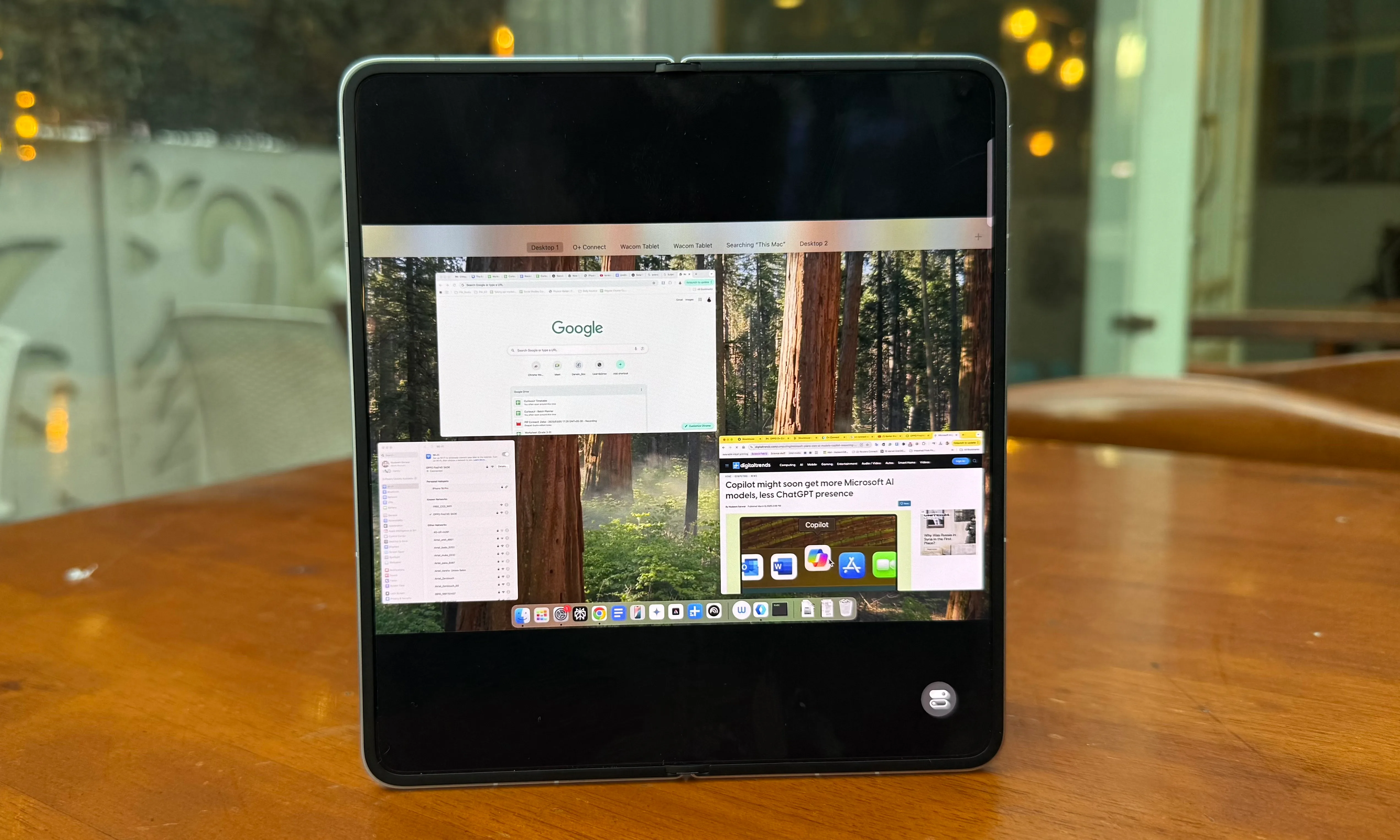
Meet Oppo with the O+ Connect system. This allows users to seamlessly manage (edit, organize and view) their local smartphone files on their PC. This platform also allows you to seamlessly transfer files between the two systems. Oppo introduced an unexpected remote PC control system for Mac when it launched the Find N5, the world’s thinnest phone. After using it for a few weeks, I can say that the results are truly amazing.
Optimal form factor
The biggest headache when trying to control your desktop remotely is that the controls are cramped. On traditional slab-style phones, you have to deal with cramped desktop views and unsightly pillarboxes. This is inevitable due to the difference between desktop screens and smartphone screen ratios.
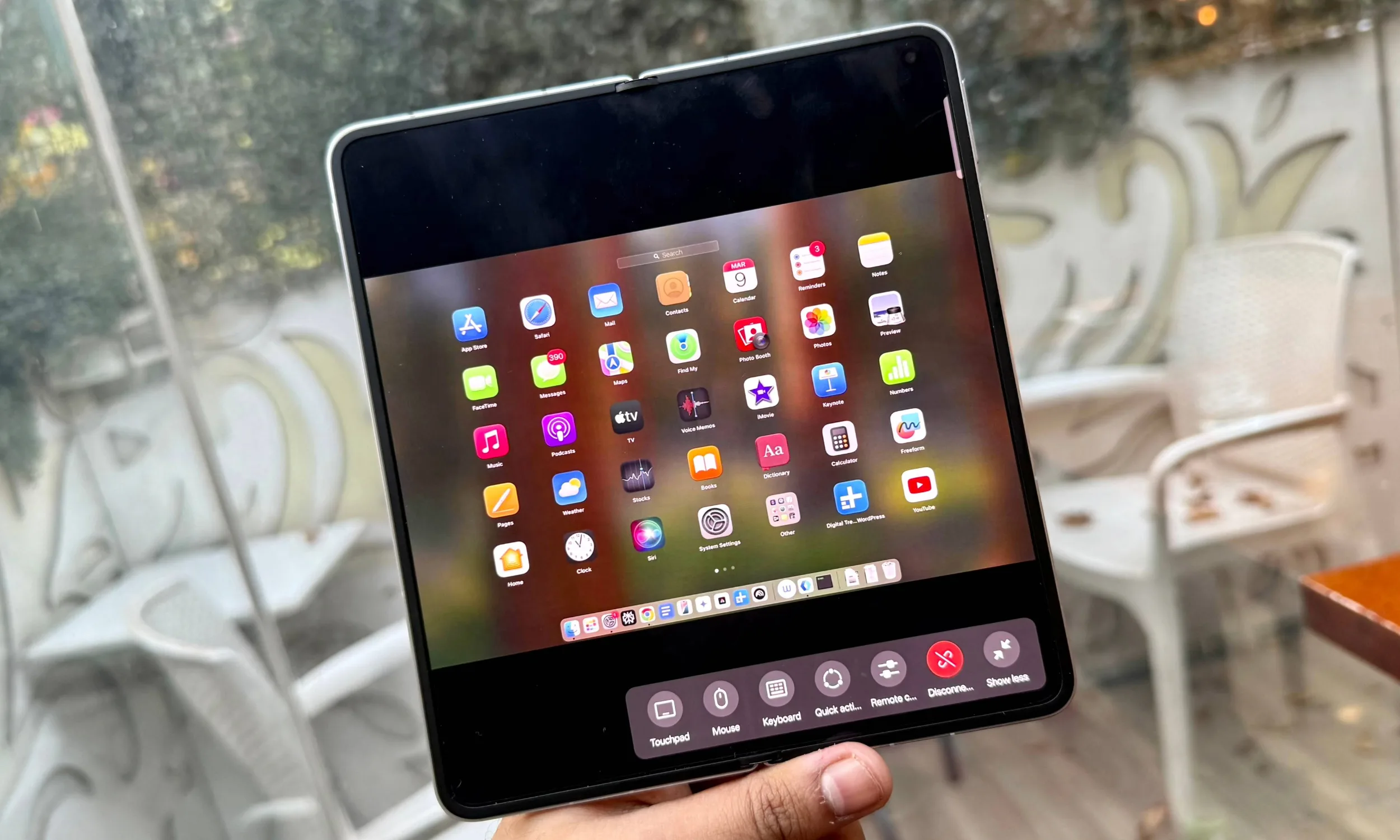
Foldable phones like the Oppo Find N5 get as close to a “natural” desktop experience as possible. I often use my iPad mini as a secondary monitor for my MacBook Air, but the difference in aspect ratio often leads to a strange experience, especially when the tablet is in landscape mode.
With iPad Pro, app windows feel more natural and don’t need to be resized all the time. The Oppo Find N5 has a much larger canvas that can handle the macOS window. In apps like Docs, Asana, web browsers, or essentially any app where text is most important, the larger 8.1-inch canvas really helps.
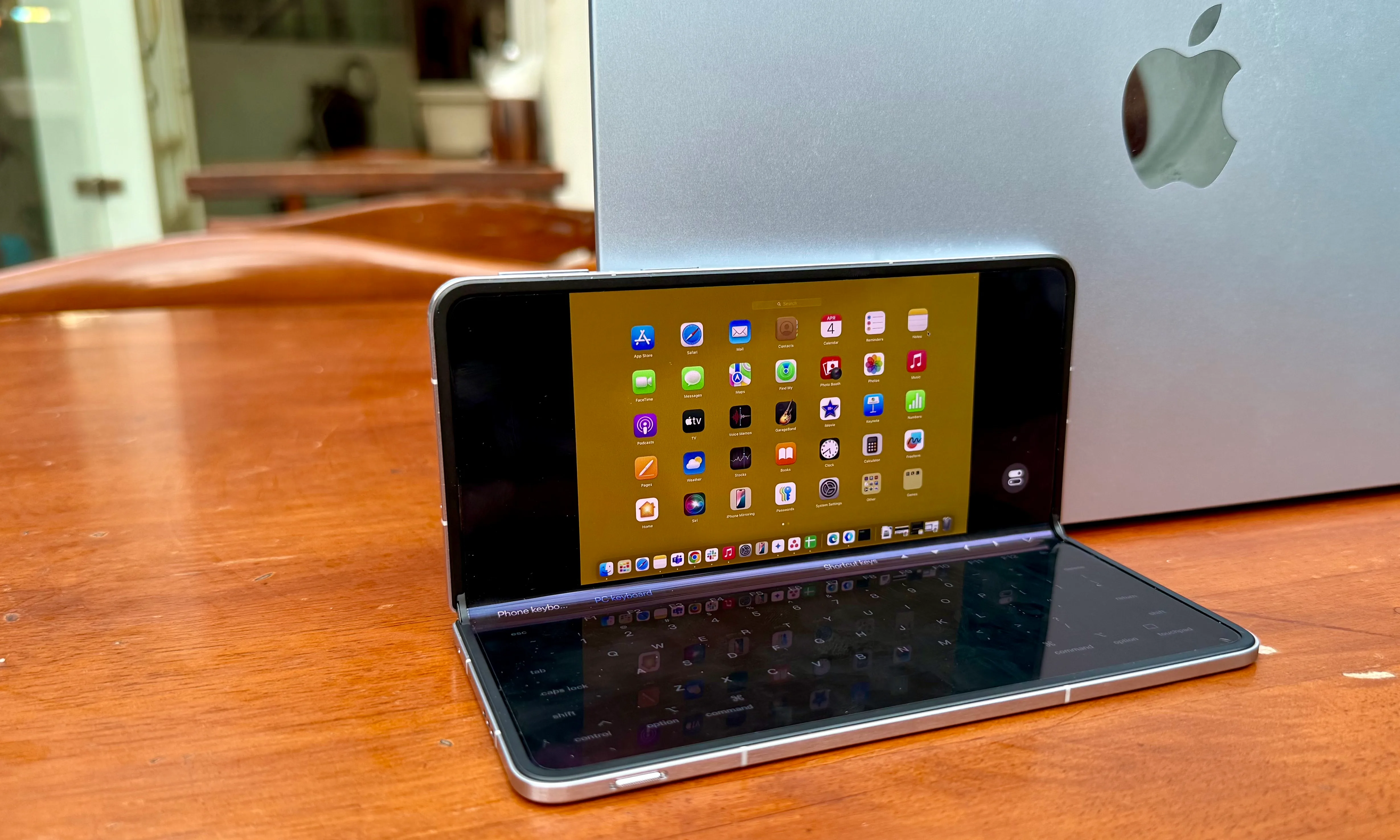
The file manager view wasn’t cramped, even if you only wanted to access files without remotely mirroring your MacBook Air. It was easy to find the documents I needed in the tile preview, and I rarely had to squint my eyes to look closer at the screen.
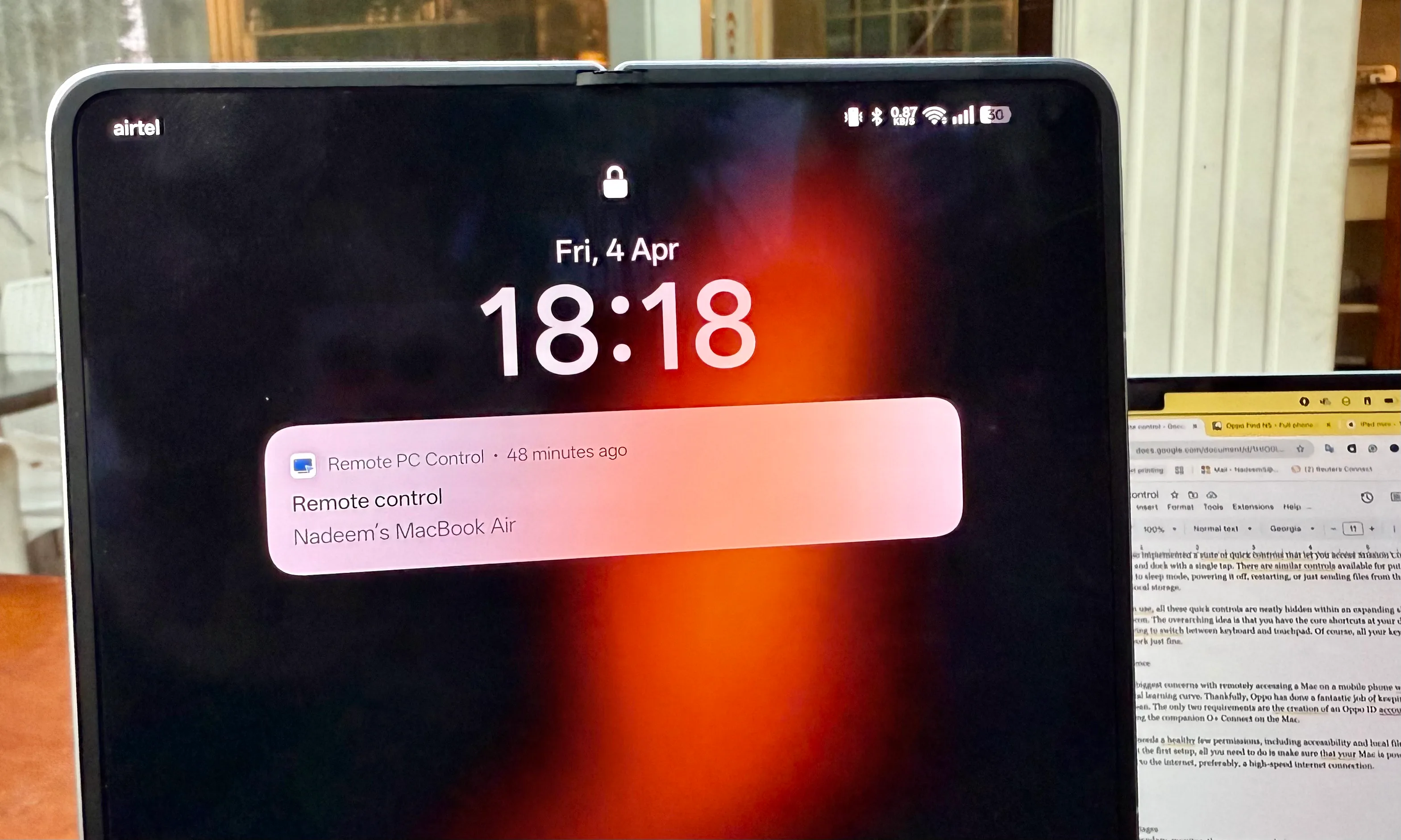
Another important advantage is control. I’ve tried a few remote access tools so far, but most of them did a sloppy job of handling touchpad gestures, mouse clicks, and keyboard input. Either way, there’s so much you can do on your smartphone screen.
In the Oppo Find N5, the bottom of the screen turns into a huge touchpad or opens up a full-fledged Mac keyboard. This screen touchpad supports the core suite of multi-finger gestures, including two-finger swipe, drag and pan, four-finger pinch, and three-finger slide. Fortunately, it works well.
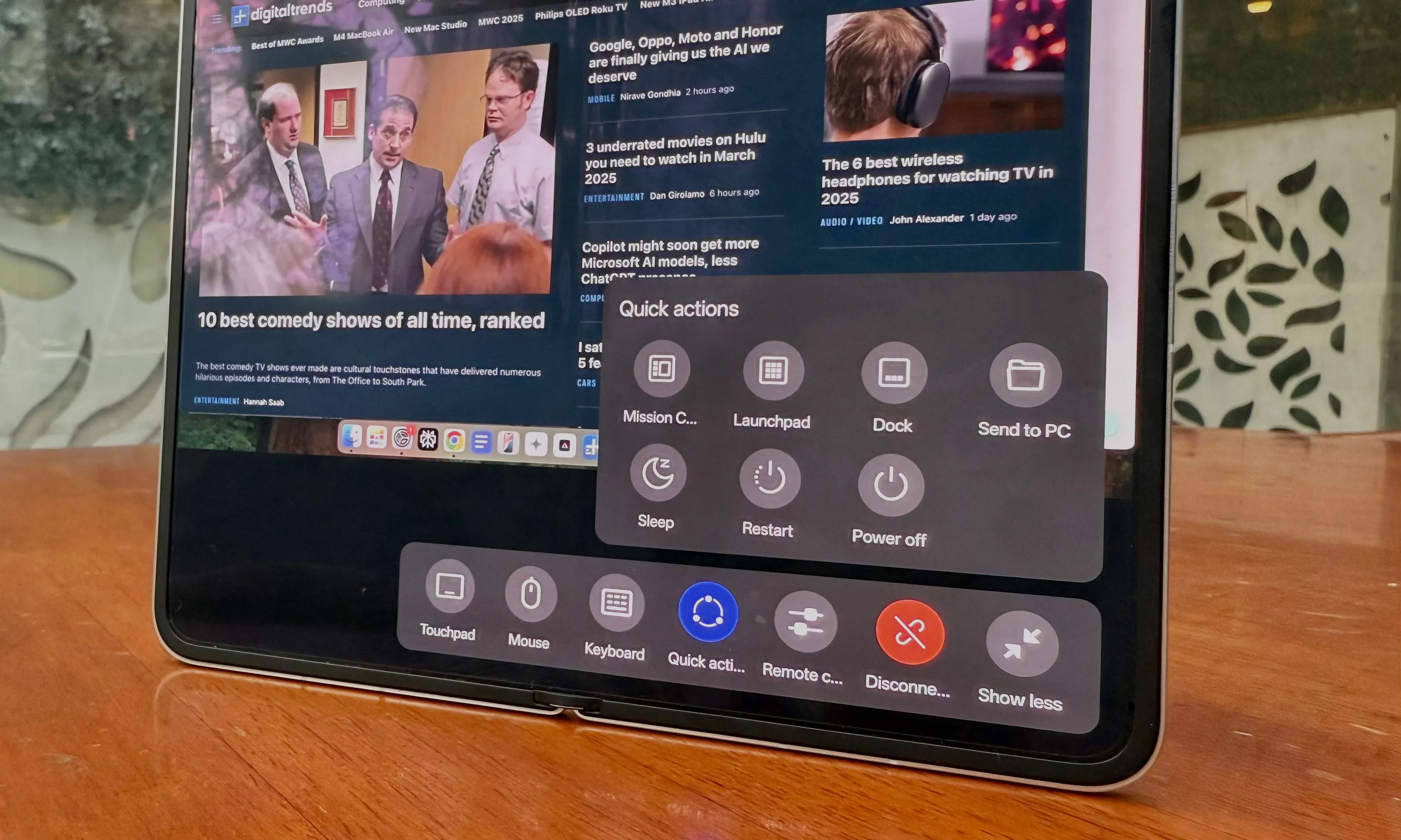
Oppo has also implemented a suite of quick controls that lets you access Mission Control, Launchpad, and dock with a single tap. There are similar controls you can use to put the remote Mac to sleep, power it off, restart it, or send files from your phone to your Mac’s local storage.
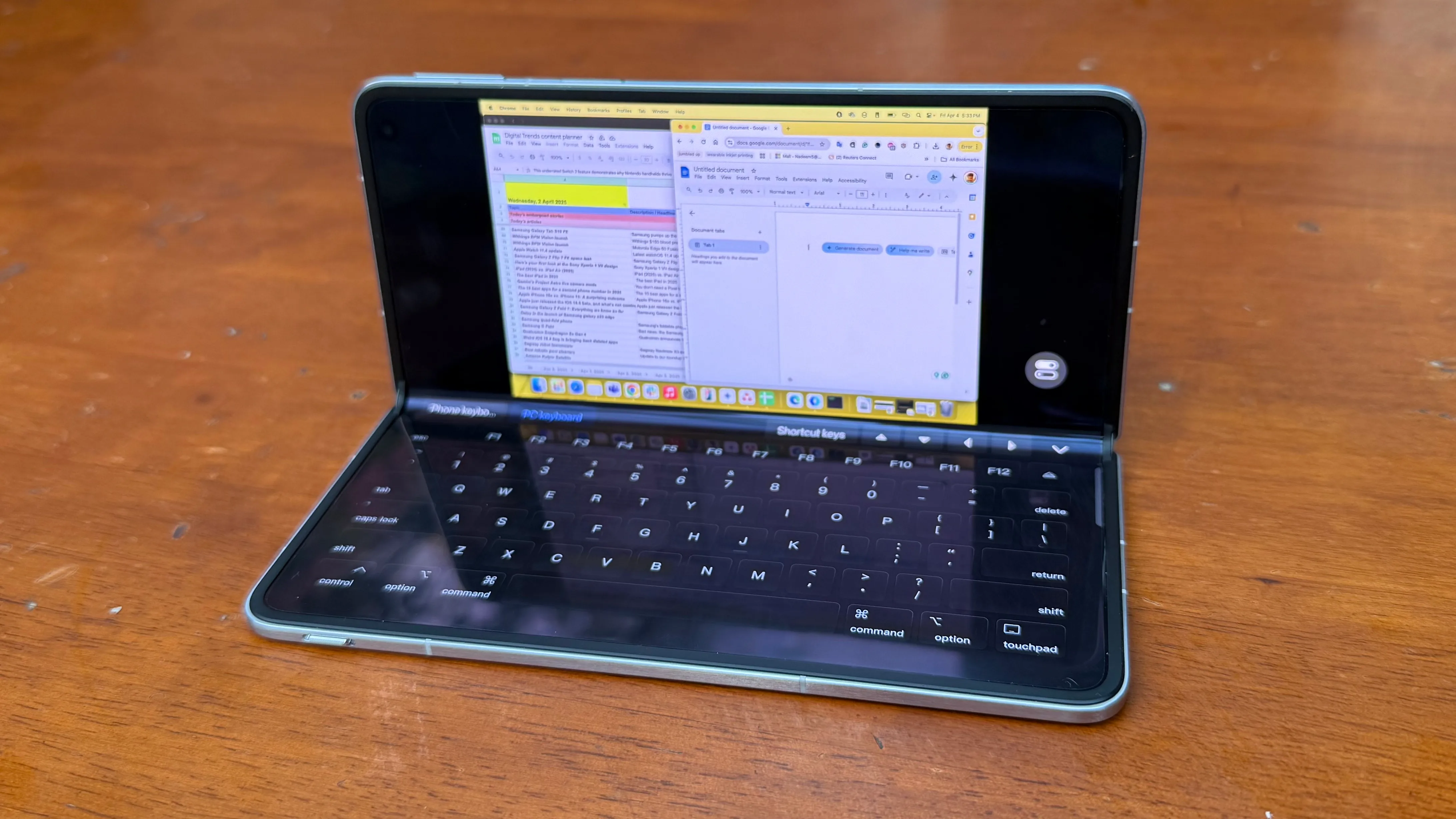
When not in use, all of these quick controls are neatly hidden within an extended shelf disguised as a single icon. The most important idea is that you can use key shortcuts at your disposal without having to switch between keyboard and touchpad. Of course, all keyboard shortcuts work fine.
A seamless experience
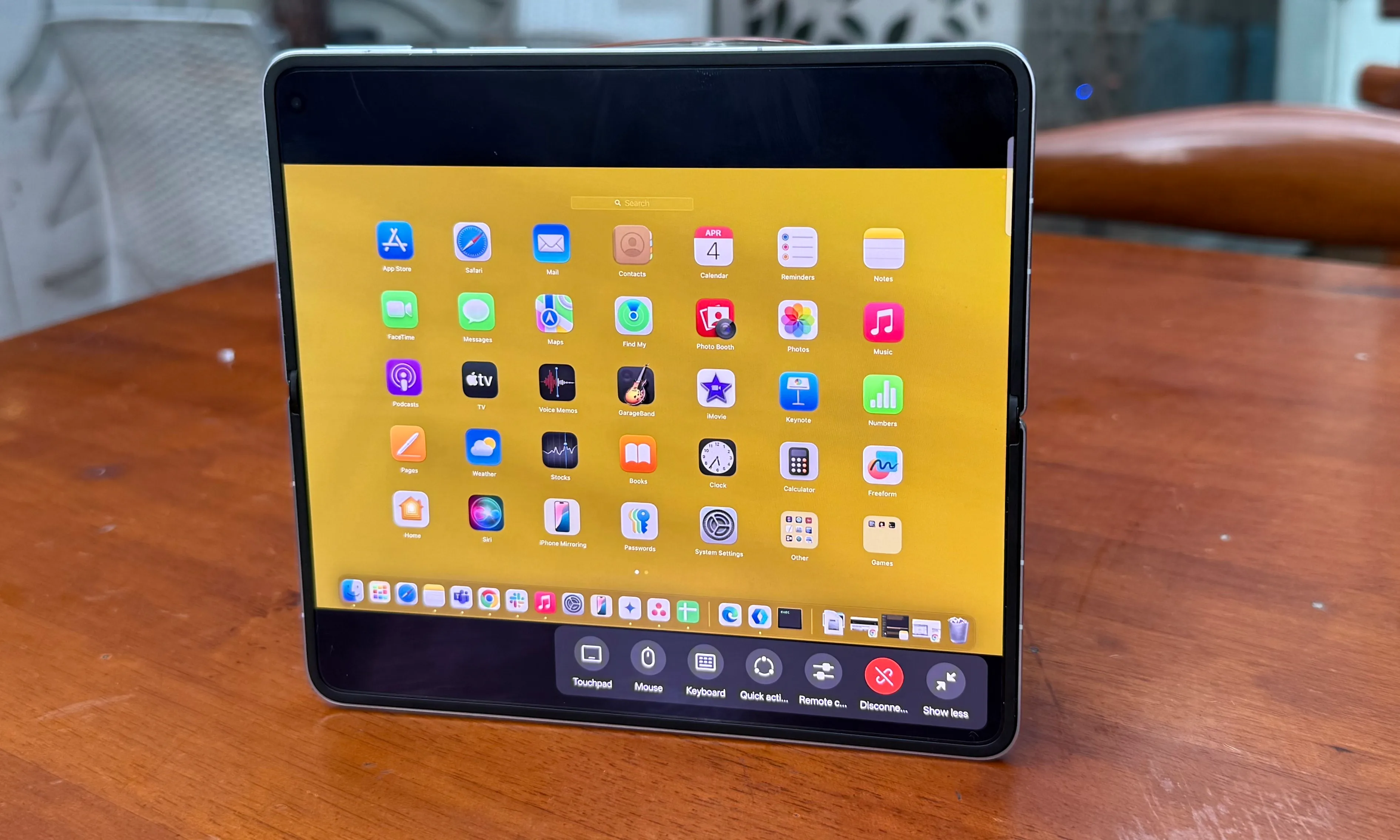
One of my biggest concerns when accessing my Mac remotely from my phone was stability and the technology learning curve. Thankfully, Oppo has done a fantastic job of keeping the entire pipeline clean. The only two requirements are creating an Oppo ID account and downloading the companion O+ Connect on your Mac.
The latter requires some healthy permissions, including accessibility and local file access. After completing the first setup, all you need to do is make sure your Mac is powered on and connected to the Internet (preferably a high-speed Internet connection).
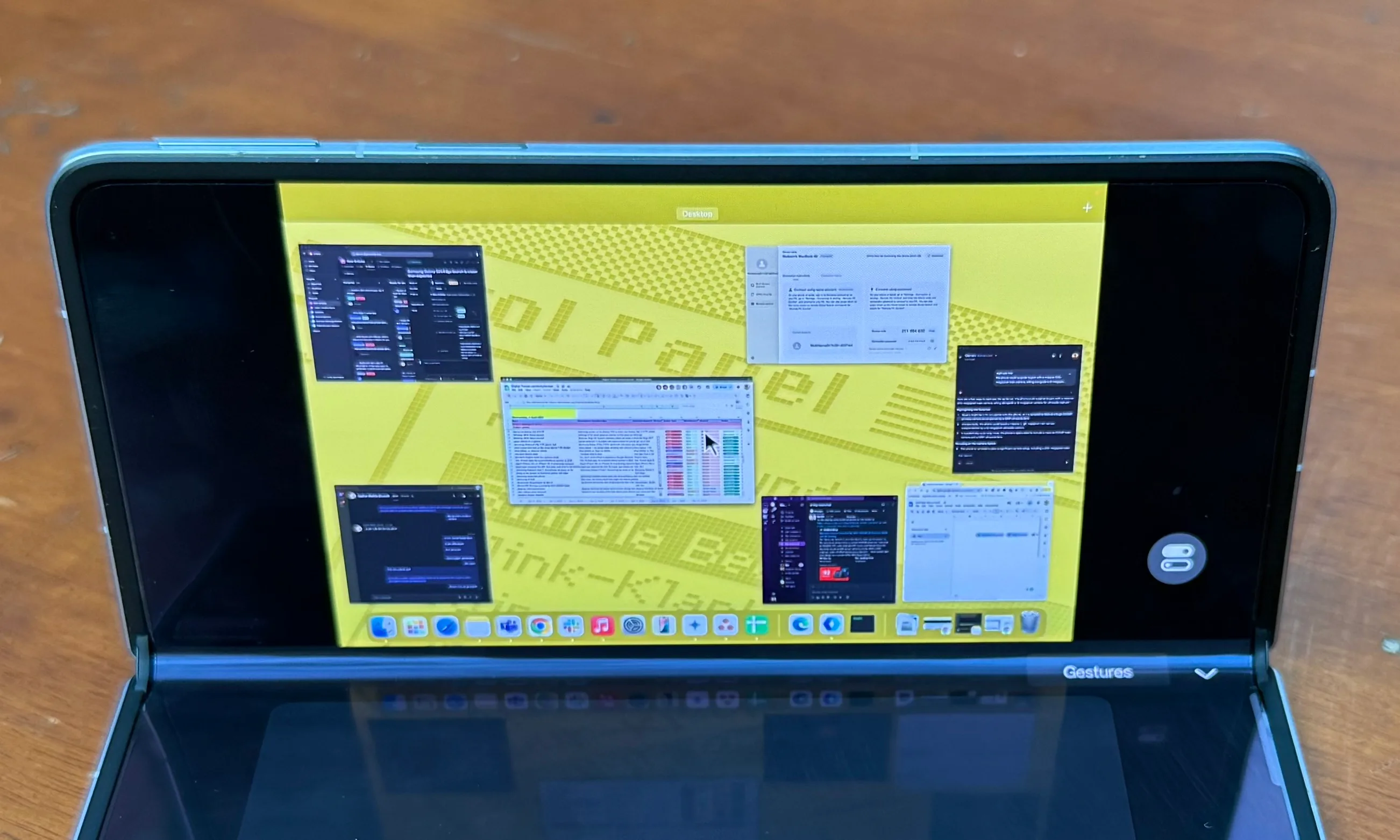
With my MacBook Air at home and connected to broadband Internet with an average bandwidth of 200-300 Mbps, I was able to chat with colleagues in Slack, send a few images, and access my Workspace progress without any fundamental issues.
While I was doing all this, my Oppo Find N5 was connected to my iPhone’s cellular hotspot. Sure, typing on a virtual full-size Mac keyboard is a little tricky, but a little patience will get the job done.
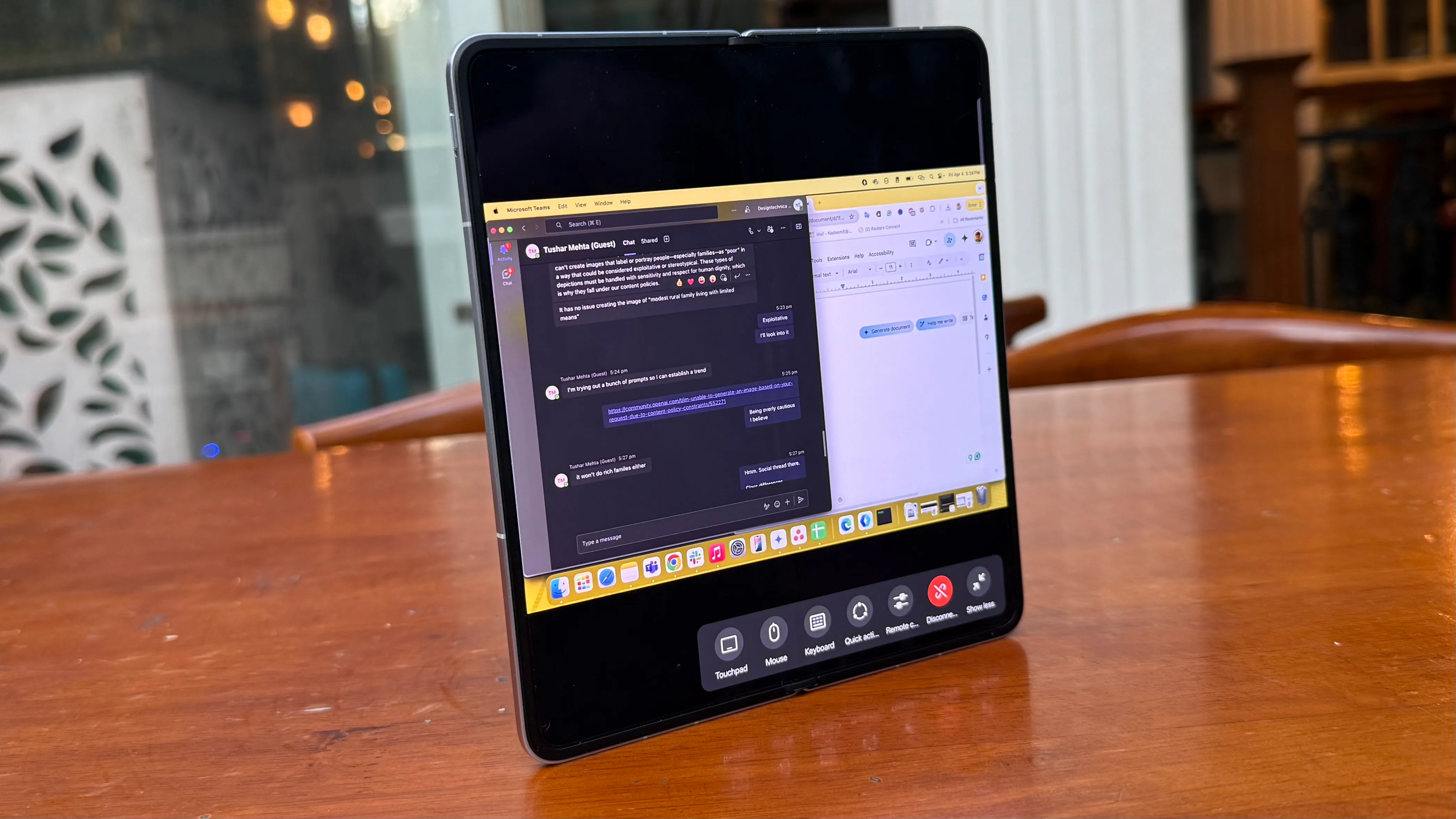
I was also able to get remote access to work when both devices were connected to a cellular hotspot. The only downside is that when connected to a low-bandwidth cellular hotspot, the remote Mac experience isn’t nearly as fluid, especially when it comes to switching between app windows.
Cursor latency wasn’t a major issue, but switching to compute-intensive tasks resulted in sporadic jitters. For example, it’s fine for light photo editing, but don’t expect a super-smooth experience in Lightroom unless you have a fast remote connection. Also make sure low data mode is disabled when using a cellular hotspot on one end of the remote relay.
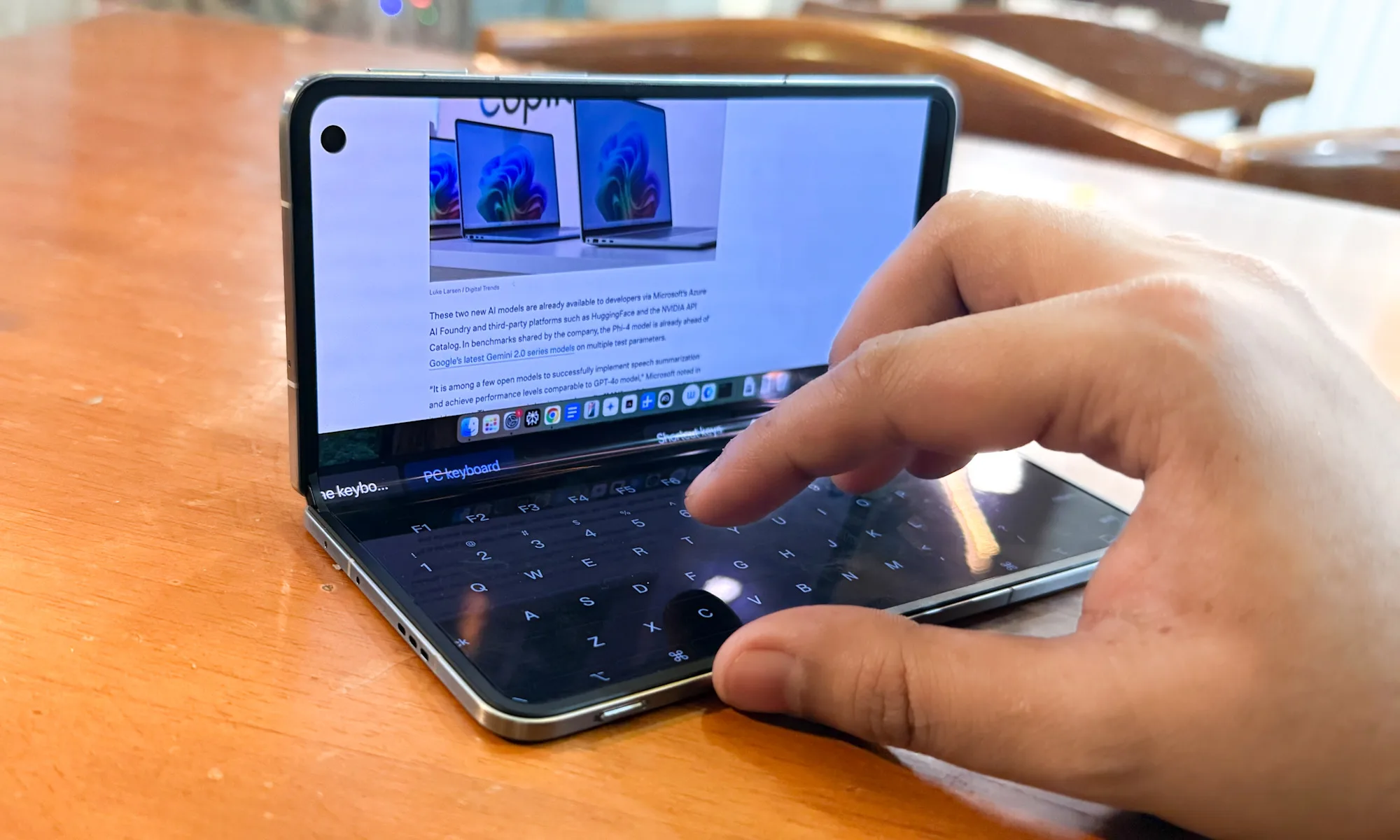
There are also some technical issues. For example, Apple’s Private Relay safety system is disabled when remote access is enabled. I also found resizing to be somewhat frustrating, with the cursor not always recognizing the window edges. However, if you hover your cursor over the green maximize button, you can safely access eight preset tiling options. It’s enough to do remote work.
Hey Apple, take note.
Apple’s ecosystem is notoriously locked down. So the fact that I can simply drag and drop files onto my Oppo Find N5 and M4 MacBook Air miles away from my workstation is already quite amazing. But the same goes for your Android phone as it allows you to remotely access your Mac without any basic restrictions. It’s nothing short of a technological shock.
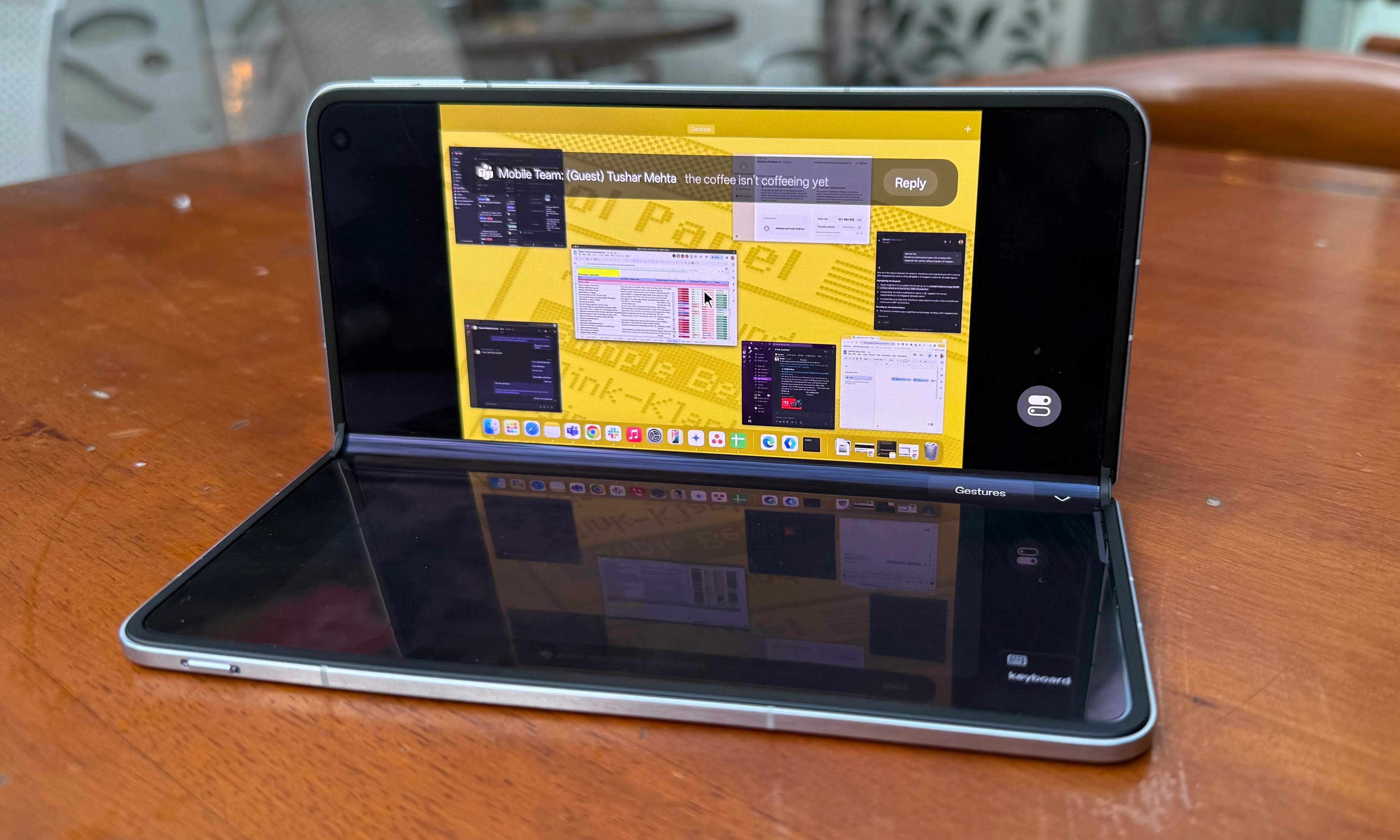
Of course, I also liked the convenience. It’s not perfect, but you can easily sand off a few rough edges. Due to Apple’s limited ecosystem approach, some limitations are insurmountable. The O+ Connect platform is less of an alternative to actual Mac computing and more of a temporary solution that puts a Mac in the palm of your hand.
As long as you’re aware of the limitations of full-scale computing on an 8-inch screen, it works well, giving you a full virtual Mac. But more than anything, it’s a message that Apple can do more with its hardware ecosystem. The technology stack already exists. There is no shortage of firepower. The talent pool it commands is arguably the best in the world.
All you need is the intention to get it done. Perhaps the upcoming foldable iPhone will embrace the path laid out by the Oppo Find N5. Or perhaps one of the powerful iPads with desktop-class processors will finally embrace a hybrid Mac, albeit in a remote-controlled environment.
I’ll take both or just one!