Many manufacturers have added 90Hz and 120Hz displays to smartphones like the Samsung Galaxy S24 Ultra, and numbers are pouring in (60Hz, 90Hz, 120Hz). But what does that mean?? Most importantly, what does it mean for how you will use your smartphone?
Smartphones are becoming more and more powerful, but the leap between generations doesn’t seem to be as big as it used to be, as the hardware from previous generations still holds its own. Where should manufacturers go if new phones don’t feel more powerful than last year’s devices? One alternative is to feel smoother and more responsive. The best way to do this is to increase the refresh rate of your display.
If you’re not sure why you should care about 120Hz displays, this guide might help. Let’s break down in detail what an increase in refresh rate is, how it benefits the smartphone in the long run, and what the adaptive refresh rate on the iPhone 16 Pro actually is.
What is refresh rate?
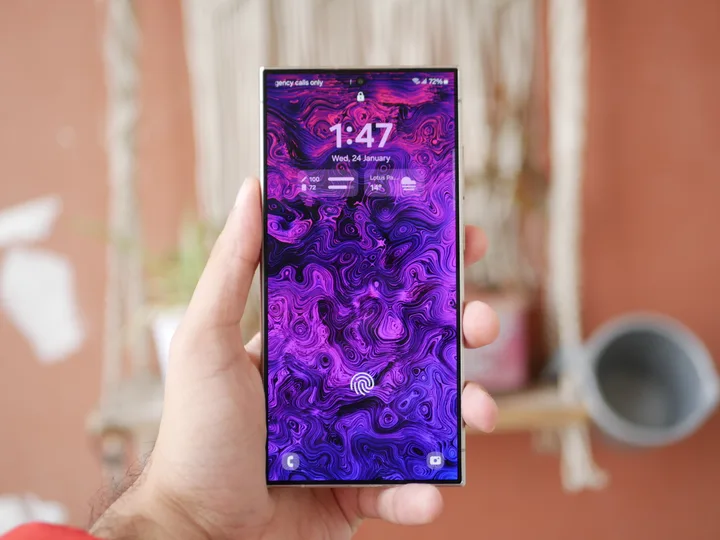
Before we can explain how a 90Hz or 120Hz display benefits you, we need to know exactly what a refresh rate is, and to do that we need to know how displays work. There’s a lot of technical stuff involved here, but at the most basic level, displays work by showing a series of images, or “frames.” To create a video, the display must display a series of frames one after the other. A monitor’s refresh rate is the number of times the image is updated per second. So a 60Hz display refreshes the image 60 times per second. This tricks the brain into thinking it is seeing a moving image rather than a series of single frames because it is too fast for the brain to track.
A higher refresh rate means more images are displayed at the same time, which means the movement between each frame appears smoother. Because there are more frames, the gaps between individual frames are reduced. Although you may not consciously notice it, most people can notice slight differences between refresh rates. Additionally, the more images you have, the faster your changes will be resolved. This means your phone will be more responsive as it appears to respond faster to your commands.
This sounds similar to the frame rate of your graphics processor, and that’s because it is. Frame rate is measured in frames per second (fps), which indicates the speed at which the graphics processor can process individual images and deliver them to the display. To display up to 120fps, you’ll need a monitor with a refresh rate of 120Hz or higher. However, while refresh rate is similar to fps, it is not the same. Refresh rate is tied to the monitor itself, while frame rate is the rate at which information is transferred from the graphics processor to the monitor.
What is the difference between 60Hz, 90Hz and 120Hz?
We already covered this in the last section, but it’s worth mentioning again that the main benefit of increasing the refresh rate is increased smoothness and responsiveness. The increased refresh rate makes app scrolling and menu swipes smoother and more responsive. Motion blur (blur between actions) is also reduced as the refresh rate increases.
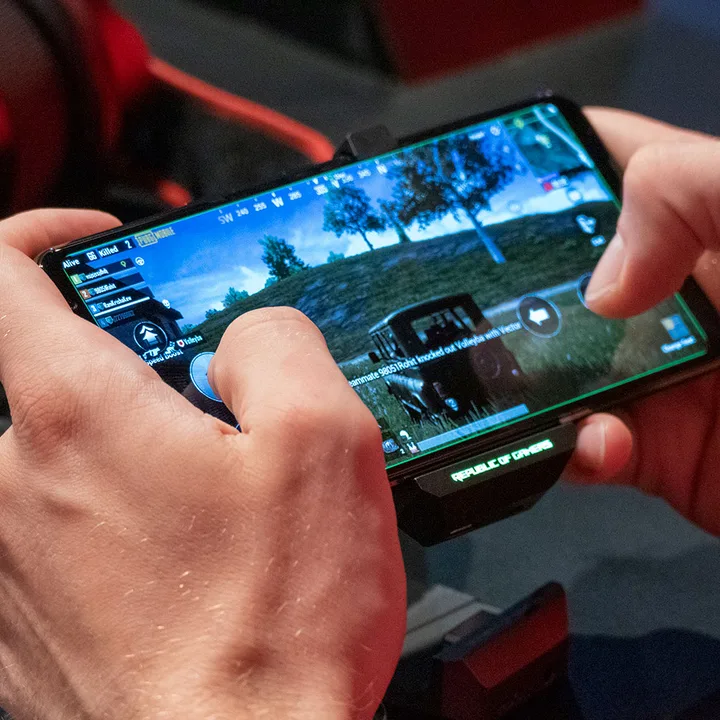
But higher refresh rates aren’t just about everyday usability. Gaming performance is one of the biggest beneficiaries of higher refresh rates, and for this reason gaming phones have led the way in higher refresh rates. Phones like the Razer Phone 2 and Asus ROG Phone 2 were among the first to offer higher refresh rates than usual for some reason, and that’s because displays with higher refresh rates also have lower input lag. Input lag is the time between when an action is performed on the display and when the action occurs in the game. A standard 60Hz display cannot have an input lag faster than 16.63 milliseconds, which is the time it takes to refresh each image, while a 120Hz display can reach 8.33 milliseconds because it refreshes twice as often.
If you’re not sure whether you’ll benefit from a device with a 90Hz or 120Hz display, we recommend going to your carrier or manufacturer’s store and trying out the phone or tablet in person. The proof when it comes to increased refresh rates is really in the pudding, and there’s no way to explain the difference without trying it yourself.
Are there any downsides?
As with many technological advancements, increasing refresh rates comes with some potential risks. The biggest drawback is that battery consumption increases. Doubling the frames puts more strain on the battery. If you suffer from your phone’s short battery life at the best of times, you may want to consider disabling higher refresh rates to save energy. The option to disable higher refresh rates is available on most phones with refresh rates higher than 60Hz, and was especially useful on the Google Pixel 4, whose already small battery was severely hampered by the 90Hz refresh rate.
Besides putting a strain on your battery, higher refresh rates cost more overall. It’s still a relatively new technology in smartphones, so it’s likely to be limited to flagship devices for the next few years or so. Outside of specialty devices like gaming phones, don’t expect to see this in budget or mid-range phones anytime soon.
What is adaptive refresh rate?
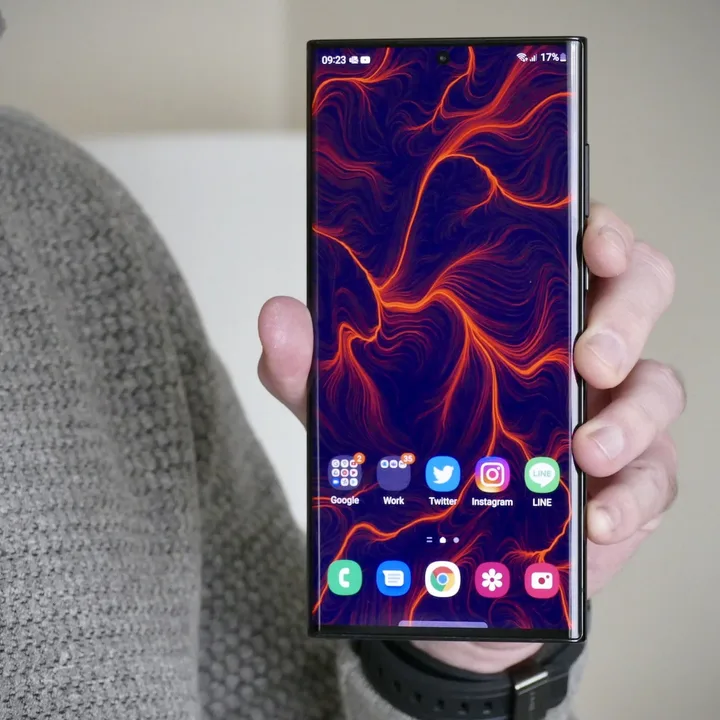
Samsung’s Galaxy S21 range not only brings a new design, but also displays technology with adaptive refresh rate, a completely new feature for smartphones. Since then, we’ve seen the technology spread to other flagship phones, including Apple’s iPhone lineup and Google Pixel phones. But what does it mean?
Basically, your phone can change the refresh rate to match the activity on the screen. If you’re viewing a still image, the refresh rate will be lower because there’s less need to refresh the image every second. Alternatively, if you play fast-paced games, you can increase the refresh rate to get the best possible experience.
Why is this a feature you should be excited about? To change the refresh rate often setting It’s in the menu, but you don’t really get the benefit of the extra frames every time you view a still image. However, it still draws extra power from the battery, giving your phone the ability to intelligently recognize when its refresh rate is higher. not so This helps reduce battery consumption when needed.
The refresh rates available depend on the model you are using. The Samsung Galaxy S21 and S21 Plus have access to refresh rates between 48Hz and 120Hz, while the Galaxy S21 Ultra can switch between 10Hz and 120Hz. A wider refresh rate range means your S21 Ultra can save more battery by lowering the refresh rate even further when you don’t need it. Thankfully, most phones that offer this feature these days tend to offer speeds between 1Hz and 120Hz, although it’s not uncommon to see smaller ranges on cheaper phones.
Do you need a 90Hz or 120Hz refresh rate?
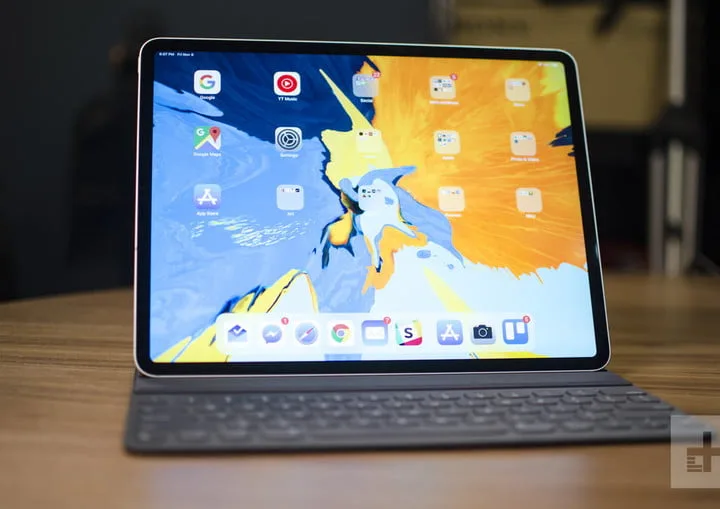
It depends on the type of smartphone you are looking for. If you’re worried about price, a 120Hz refresh rate isn’t as extravagant as it was a few years ago. The 120Hz refresh rate is still available on high-end phones, but is now being added to phones tailored for those on a limited budget. The Moto G 5G (2024) is priced at a reasonable $200 and still has a screen refresh rate of 120fps.
Then there is the iPhone 16 and iPhone 16 Plus. You’d think Apple’s latest base iPhone model would have been upgraded to a 90Hz or 120Hz refresh rate, but unfortunately, like the iPhone 15, it’s stuck with a 60Hz display. Meanwhile, the iPhone 16 Pro and iPhone 16 Pro Max enjoy an excellent 120Hz refresh rate.